

Lenovo ThinkPad vs ThinkBook: Key Differences & Which One to Choose
Category: Tech
Author: ExactSolution Team
Compare Lenovo ThinkPad vs ThinkBook in terms of performance, durability, design, battery life, and pricing to find the right laptop for your needs.
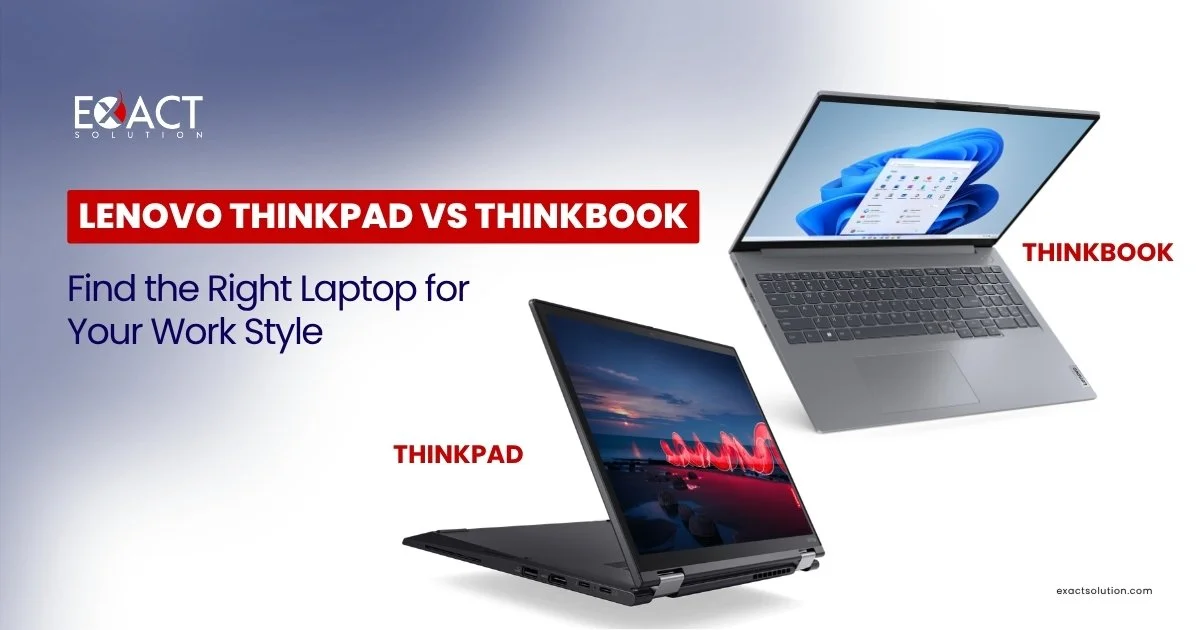
ThinkPad is Lenovo's rugged, business-grade line, tested to MIL-STD-810H standards and built for years of heavy daily use. ThinkBook is Lenovo's lighter, more affordable line, with the same core security basics but a more consumer-styled design at a lower price. If you need a machine that survives years of daily wear, choose ThinkPad. If you want modern styling and strong specs at a lower cost, choose ThinkBook.
There's no single right answer here, since the best choice depends entirely on how you use your laptop. Both lines have real strengths, and knowing them upfront saves you from buying the wrong one. The sections below break down exactly where each line wins.
Quick Comparison
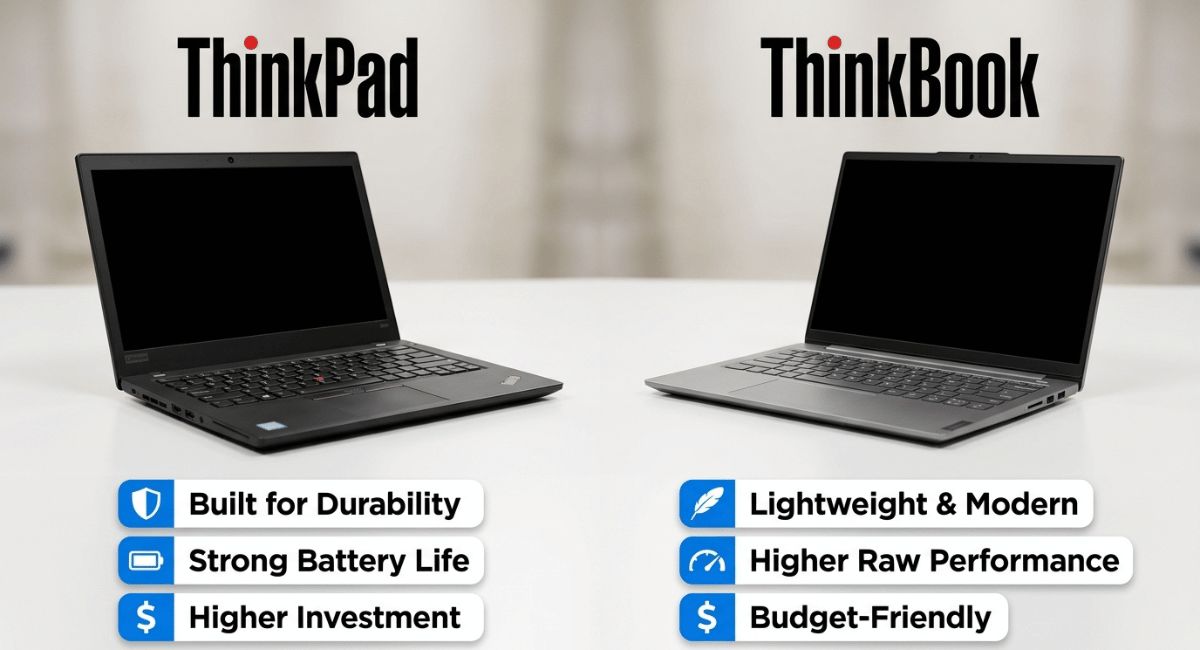
Feature | ThinkPad | ThinkBook |
|---|---|---|
Build Quality | Extremely durable, business-grade | Good, but not rugged |
Performance | Strong, efficiency-focused chips | Competitive, sometimes higher raw performance |
Battery Life | Consistently strong on most models | Solid, but varies more by configuration |
Keyboard | Excellent typing experience | Comfortable, standard feel |
Design | Classic, minimal, professional | Modern and stylish |
Target Users | Businesses, developers, professionals | Students, freelancers, small businesses |
Price | Higher investment | Budget-friendly |
This table gives you the fast version. The sections below explain what actually drives each difference.
Lenovo ThinkPad vs ThinkBook Differences
Build Quality
One of the most noticeable lenovo thinkpad vs thinkbook differences is how these laptops are built. ThinkPads are known for their strong and durable construction. They are designed to handle daily wear and tear, making them reliable for users who travel frequently or work in demanding environments.
ThinkBooks, on the other hand, focus more on appearance. While they still offer decent build quality, they are not designed to handle extreme conditions.
ThinkPad: Strong hinges, spill-resistant keyboard, durable materials
ThinkBook: Slim profile, lighter body, less rugged
If durability is a top priority, ThinkPad clearly has the advantage.
Performance
The performance difference between ThinkPad and ThinkBook becomes noticeable during heavy workloads.
ThinkPads are designed for professional use and handle multitasking, programming, business software, and long working hours more reliably.
ThinkBooks are better for everyday tasks like office work, browsing, meetings, and light editing.
ThinkPad: Better for coding, multitasking, and demanding applications
ThinkBook: Better for daily work and casual business use
If you regularly run heavy applications, ThinkPad is the better option.
Keyboard
ThinkPads are known for having one of the best laptop keyboards, especially for users who type for long hours. They offer deeper key travel and better tactile feedback, making them more comfortable for work and coding.
ThinkBooks also provide a good typing experience but feel less premium compared to ThinkPads.
ThinkPad: Better key travel and typing comfort
ThinkBook: Comfortable for normal daily use
If keyboard comfort matters a lot, ThinkPad is the better choice.
Design
ThinkBooks have a more modern and stylish design, making them appealing to users who prefer a sleek-looking laptop.
ThinkPads follow a more traditional business-focused design built for practicality and professional use.
ThinkPad: Professional and functional design
ThinkBook: Slim, modern, and stylish look
If you prefer a modern appearance, ThinkBook is the better choice.
Target Users
ThinkPads are designed for professionals, developers, and business users who need reliability for daily work and demanding tasks.
ThinkBooks are better suited for students, freelancers, and small businesses looking for a modern laptop at a lower price.
ThinkPad: Best for professionals and heavy business use
ThinkBook: Best for students and everyday work
Your choice mainly depends on how demanding your daily workload is.
Which One Fits Your Use Case?
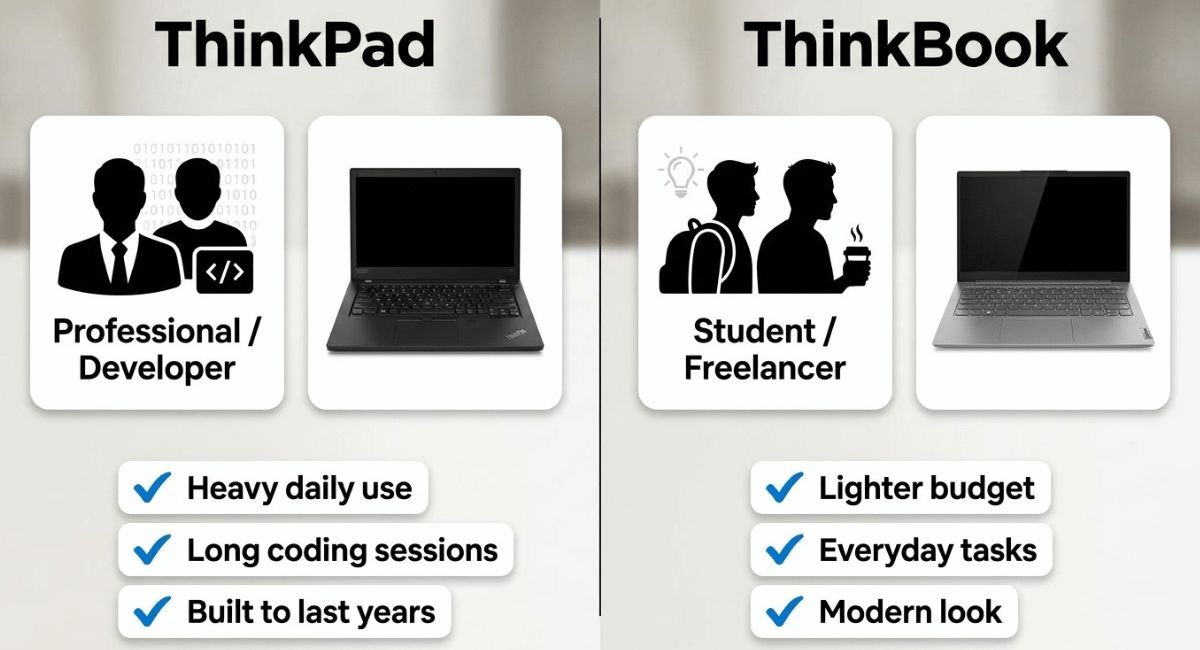
Students: ThinkBook is the better fit for affordability and a lightweight design suited to assignments, classes, and daily tasks.
Developers: ThinkPad is more reliable here, thanks to stronger sustained performance and a keyboard built for long coding sessions.
Business Professionals: ThinkPad is generally the stronger pick for teams that need better security, durability, and long-term value.
Freelancers and Remote Workers: ThinkBook works well for flexible setups, offering a solid balance between cost and performance.
If you're exploring budget-friendly options in either line, refurbished Lenovo laptops are worth a look for the same hardware at a lower entry price.
If you are exploring affordable options, you can check Best Refurbished laptops and Lenovo Refurbished Laptops for better deals.
Final Verdict
ThinkPad is the better choice for professionals who need durability, performance and enterprise security. ThinkBook is the better choice for students and everyday users who want modern design at a lower price. Browse tested refurbished Lenovo ThinkPad and ThinkBook laptops at Exact Solution, graded A+/A/B/C and backed by a 1-year warranty.